How To Purchase Google Workspace Using Your Domain Name
Crazy Domains provides access to Google Workspace through the Account Manager, allowing customers to use Google productivity tools with their domain name. These tools include email, calendar, document creation and sharing, and video conferencing. Google Workspace also supports real-time collaboration, enabling team members to work on documents and projects simultaneously and maintain shared access to files and communication tools.
This article provides instructions on how to purchase Google Workspace using your domain name. Follow this guide to select a plan, connect your domain, and complete the purchase from your Account Manager.
Purchase Google Workspace
To purchase Google Workspace using your domain name, follow these steps:
- Log in to your Account Manager.
- On the sidebar of your Account Manager, click Buy Products.
- Now, click Email, and then click Google Workspace.
- When the Crazy Domains Email site opens, scroll down to the Plans and Packages section.
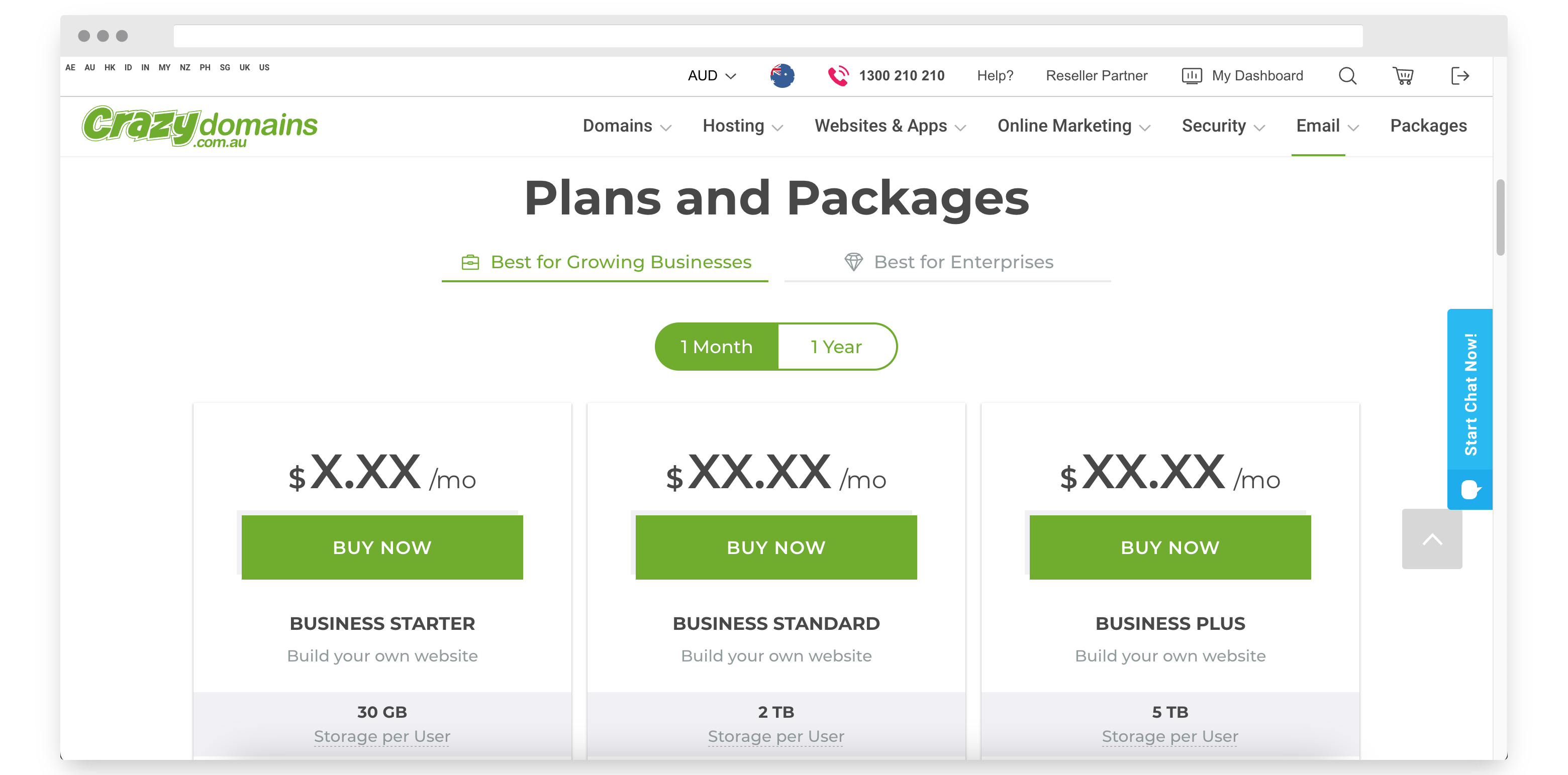
- Click the BUY NOW button for the plan that you want to purchase.
You can select any of the following plans and products:
Business Starter Business Standard Business Plus Enterprise Standard Enterprise Plus Number of users allowable 1-300 1-300 1-300 Unlimited Unlimited Email, document, photo storage per user 30 GB 200 TB pooled 500 TB pooled Unlimited* Unlimited* Attachment size limit (sending) 25 MB Attachment size limit (receiving) 50 MB Recipients per message (To, Cc, Bcc fields combined) 2,000 (500 external) Unique recipients per day 3,000 (2,000 external)
- In the Choose how many Accounts section of the Google Workspace payment page, click CONTINUE.
- Now, in the Connect your Domain Name section, you can either select any of the following:
- I HAVE A DOMAIN — Enter the applicable domain name that you currently have and want to connect with Google Workspace.
- I NEED A DOMAIN — Enter a new domain name that you want to connect with Google Workspace.
- In the lower section of the page, click CONTINUE TO CART.
You will now be directed to the payment page, where you can pay securely and complete your payment.